Construction Time-Lapse Backup Workflow: Protect Months of Progress
A reliable construction time lapse backup workflow starts before the first frame is captured: remove single points of failure by planning offload, verification, naming and separated archives so months of site progress are not trapped on one removable card or one working drive.
Direct answer: remove single points of failure before the project begins
Treat every construction time-lapse run as irreplaceable project evidence until copies exist elsewhere. Decide in advance where footage will land, who checks each batch, and how media will be reused only after a verified copy is confirmed. A planned offload and archive workflow suits long-running time-lapse footage; do not assume included cards, fixed capacities or automatic cloud upload.
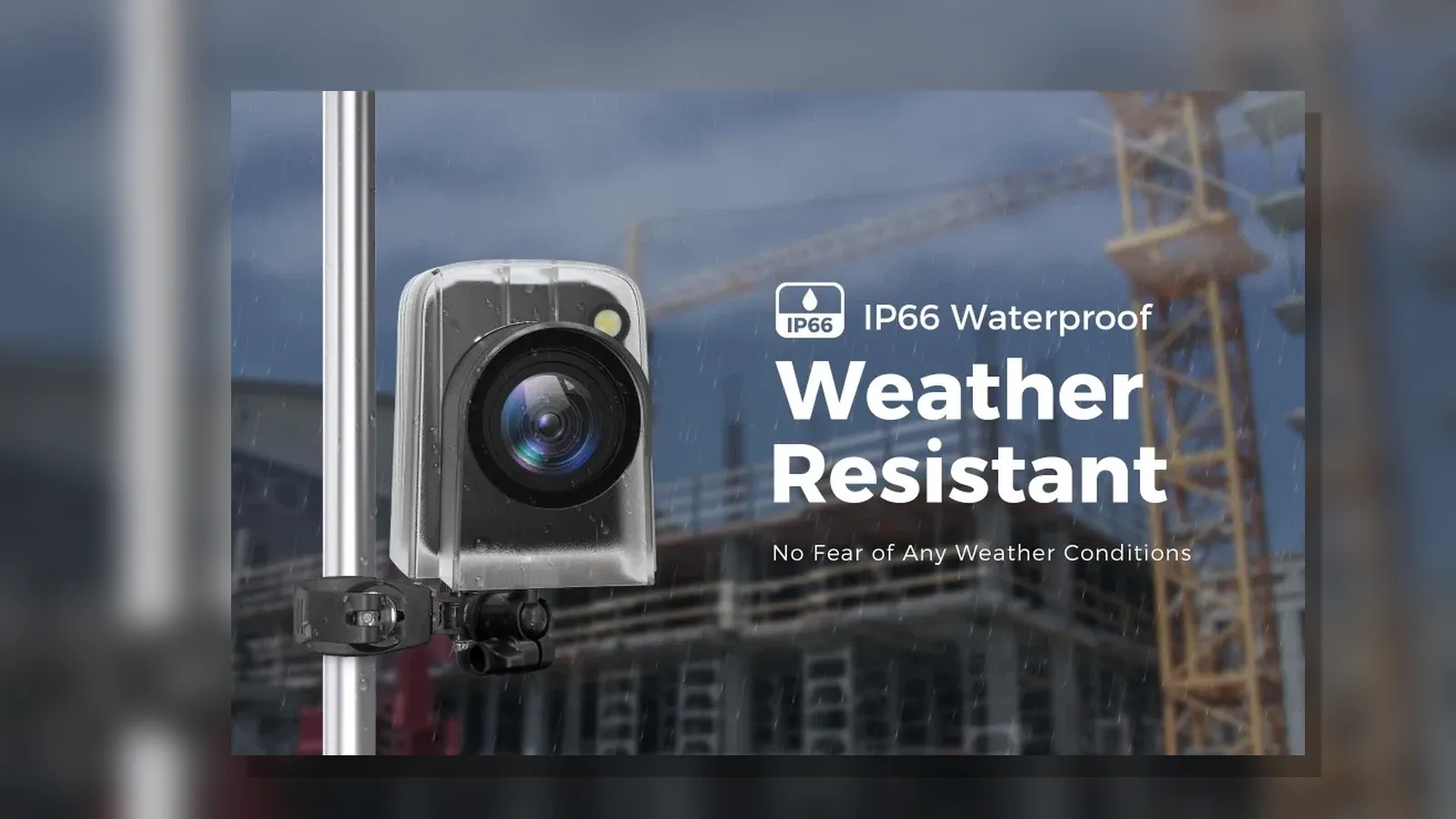
If you are selecting hardware for a site programme, review the current product details for this time-lapse camera alongside your storage and handover plan.
Choose a review and offload cadence based on acceptable loss
Set a review and offload cadence from the maximum loss your project can tolerate—for example daily or weekly—rather than waiting until a card fills or a phase ends. Shorter gaps reduce the impact of theft, damage, corruption or accidental overwrite. Align the cadence with site access, so someone can retrieve media, copy it and return only after verification.
- Define who owns each offload and what “complete” means (copied, checked, logged).
- Keep a simple register of batch dates, locations and destinations.
- Never rely on a single device as the only copy of progress.
Copy, verify and name each batch before reusing media
For each offload: copy the batch to your working store, verify that files open and match expected date ranges, then apply a clear name (project, camera position, date range) before the card goes back into service. Reusing media without a verified copy elsewhere is a common single point of failure.
Do not format removable media until footage is verified on another store and you have confirmed device compatibility. When formatting is appropriate, the SD Association Memory Card Formatter guidance recommends a standards-aware formatter and checking compatibility first.
Apply a 3-2-1 style archive for irreplaceable project footage
For footage you cannot reshoot, aim for resilient copies: multiple copies, more than one storage type or medium, and at least one copy kept offline or otherwise separated from day-to-day working files. The NCSC advice on offline backups describes resilient backups through multiple copies, separated locations, regular backups and recovery tests.
Label archive batches the same way as working offloads so months of construction time-lapse footage remain findable for client reports, disputes or handover packs.
Separate working files from an offline or logically separated copy
Keep editing, compression and share folders apart from an offline or logically separated archive copy. Working stores get frequent access and higher risk of accidental deletion or malware; a separated copy limits blast radius. Refresh that separated copy on the same cadence as your offload schedule, and record where each generation lives.
Document retention and deletion where people are identifiable
Where time-lapse or related site footage may identify people, a backup workflow does not replace project-specific data-protection controls. Define why you keep footage, how long you keep it, who can access it, how it is stored securely, and how it is deleted when the purpose ends. The ICO guidance on complying with data-protection principles for surveillance expects purpose-led retention, secure storage, access and deletion processes where footage is personal data.
Restore test, handover and FAQ
Restore test
Periodically restore a sample batch from your archive to a clean location and confirm files open. A backup that has never been restored is an untested assumption, not a workflow.
Handover
At phase or project close, hand over the register of batches, retention rules and archive locations with the footage itself, so the next team can find and retire material safely.
FAQ
- Can one card hold the whole project? Plan as if it cannot: copy, verify and archive on a fixed cadence.
- When should we format cards? Only after verification elsewhere and compatibility checks—not as the first step after download.
- Does backup cover privacy duties? No. Retention, access and deletion still need documenting where people are identifiable.
Ready to pair this construction time lapse backup workflow with suitable capture hardware? See the DSOON time-lapse camera product details and build your offload schedule before the site programme starts.