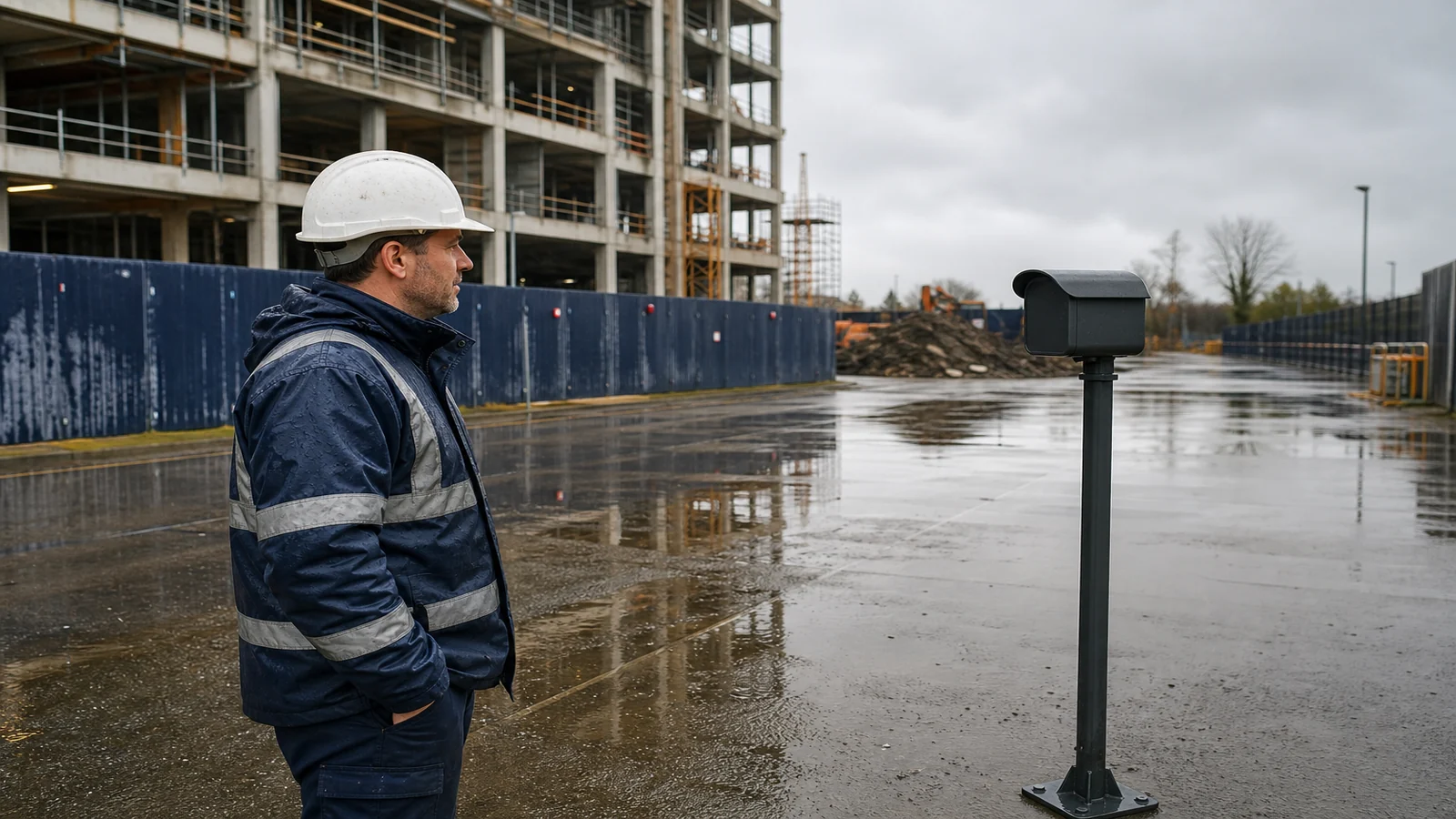
Construction Time Lapse Camera Maintenance Schedule: A Practical UK Routine
Set inspection triggers first, then split the work into checks that can be done without touching the camera and visits that must follow site rules. A construction time-lapse camera maintenance schedule is a planning framework for continuity. It is not a promise that a housing, battery, or memory card will last a stated number of weeks.
Projects lose weeks of frames for ordinary reasons: a hoist parked in the view, a housing turned after a clean, a full card, or a visit that nobody was authorised to make. The useful routine is proportionate. Check often enough to catch a dead interval. Do not create extra work at height or extra site traffic to satisfy a generic calendar.
How often should a construction time-lapse camera be checked
There is no universal interval that fits every UK site. Use three clocks at once: a remote check on every working day the project expects new frames, a planned physical look when someone is already going to that part of the site for another authorised task, and an extra inspection after a defined event.
Daily remote checks belong to whoever already reviews progress images. Planned physical checks belong to a named person who has had a suitable induction and who will use an access method that already exists in the site plan. HSE’s guidance on site rules and induction expects rules, restricted areas, and inductions to cover people who are not full-time site workers. A “quick wipe” by an unbriefed visitor is not maintenance. It is an uncontrolled visit.
If the camera can only be reached by leaving a safe place of work, do not add a weekly climb that the method of work does not already include. Change the mount, wait for a planned access package, or accept that some cleaning will happen less often than a brochure might imply. Unnecessary work at height is not a professionalism badge.
Which checks can be done without touching the camera
Most continuity failures show up in the files before they show up on the housing. A remote check should answer:
- Did a new frame arrive in the expected window?
- Is the composition still the agreed elevation, with the same corners?
- Has the image gone soft, milky, or heavily flared in a way that was not true yesterday?
- Are timestamps still advancing in order, without a sudden jump or freeze?
- Is the store still accepting files, and is the person who can open it available this week?
Log the answer even when it is “normal”. A blank log is how a three-day outage becomes a three-week mystery. Do not use the remote check to pan, zoom, or “improve” the view. Those are composition changes and need the same control as a physical move.
If files contain people as more than incidental site activity, treat viewing and sharing as a data-protection task, not as informal WhatsApp traffic. The ICO’s guidance on complying with data protection principles for surveillance systems expects information to be limited to what is necessary, stored securely, and used for the purpose you actually recorded. A maintenance log that forwards full-resolution street views to a wide client list is not a small admin habit.
What should be inspected during a planned site visit
A physical visit should be short, planned, and done from a standing position where that is possible. Look, do not redesign.
- Is the housing still where the install record says it is, and is the mount still tight without being used as a handhold?
- Is the front glass dirty, iced, or covered by a new obstruction that a remote still cannot explain?
- Are cables still clear of walkways, tag lines, and lifting paths?
- Has site progress created a new conflict: a scaffold lift, a waste chute, or a parking bay in the frame?
- Is there any sign of impact, forced opening, or standing water around seals, without opening a wet housing?
Cleaning belongs in the method, not in someone’s pocket. Use only what the manufacturer instructions allow. Do not open the enclosure on a wet day to “have a look”. Do not stand on a handrail to reach a smear. If the glass cannot be reached from the approved position, log the defect and leave it for a planned access package.
How do I avoid shifting the composition during maintenance
Print or save a reference frame from the first accepted day and take it to site. The job of maintenance is to return the camera to that frame, not to find a nicer one. Before any clean, photograph the mount and the housing orientation so you can see if a wipe rotated the unit.
Hold the body, not the lens barrel, and wait until the housing is still before closing a cover. If a hinge, clamp, or ball head must be loosened, treat that as a composition change: record the time, the reason, and a new reference frame after it is retightened. Do not “nudge it a bit” because a hoist is in shot. Either wait, or raise a change that the owner accepts.
After the visit, compare three frames: the original reference, the last remote frame before the visit, and the first frame after. If the horizon, a column, or a hoarding letter has moved, the visit failed even if the glass is cleaner. Put the camera back or leave it off until the owner accepts the new view. A month of slightly different frames is harder to repair than one dirty week.
Which events should trigger an extra inspection
Do not wait for the next planned Tuesday if one of these has happened:
- Named high wind, heavy rain, freeze-thaw, or a flood alert that the site already treats as a plant-check trigger.
- A crane, hoist, or scaffold lift that passed through the camera zone, or a reported impact.
- A change of programme that moves welfare, parking, or material storage into the view.
- A gap in files that the remote check cannot explain.
- A complaint, a subject-access question, or any sign that the view now includes ground that the original purpose did not need.
- A change of principal contractor, editor, or file store.
Event checks can still be remote first. Send a person only when the files cannot answer the question, and only with the same induction and access rules as any other visit.
When should recording be paused
Pause recording when the viewpoint is about to become a work area for demolition, a lift, or a scaffold adaption that could strike the housing. Pause when the view can no longer be limited to the site. Pause when files cannot be stored securely, or when the named operator is gone and no deputy exists. Pause when a physical defect is suspected and the next action would be to open a wet or damaged enclosure.
Pausing is a controlled state. Write the time, the reason, who can restart, and what “restart” must prove: the same composition, a working interval, and an authorised person on the access list. A pause that nobody records is indistinguishable from a failure.
Inspection trigger decision table
| Trigger | First action without touching the camera | Physical visit? | Pause recording? |
|---|---|---|---|
| Normal working day | Confirm a new frame, composition, and retrieval path | No, unless already on an authorised nearby task | No |
| Missing or frozen interval | Check store, power status if remotely visible, and last good frame | Yes, if files cannot explain the gap and access is already approved | Yes, if retrieval is broken or the unit may be unsafe to leave live |
| Weather or freeze-thaw that the site already treats as a plant check | Compare before and after frames for shift, ice, or wash-out | Only from a standing, approved position; do not create a climb | If the housing is standing in water or the mount has moved |
| Scaffold, crane, or hoist in the camera zone | Confirm the frame is still the agreed view and the mount is clear of the lift path | Yes, after the lift, if an impact or rotation is possible | Before the lift if the method cannot guarantee clearance |
| Neighbour or privacy concern | Review whether the view is still limited to the stated purpose | To re-aim only under the owner’s instruction | Yes, until the view is limited again |
| Operator absent with no deputy | Do not share files more widely to “keep things going” | No extra visit for convenience | Yes, until a named deputy exists |
The table is a starting rule-set. The site’s construction phase plan, permits, and access package still win if they are stricter.
Who this article is not for
This article is not for teams that need a product endurance promise, a certified inspection interval, or a reason to send uninducted visitors onto a live site. It is not a climbing or rope-access method. It is not written for covert cameras or for using progress stills as an informal disciplinary film.
Stop conditions
Do not create extra work at height to keep a camera pretty. Stop and escalate when the only way to inspect the unit is an unplanned climb, when a visit would rotate the composition without an owner decision, when files cannot be stored or viewed securely, or when the view has drifted onto neighbouring homes. Continuity is not a reason to improvise access.
If you still need a unit on an approved mount
If the inspection routine is agreed and the remaining choice is a compact camera for a mount that can already be reached without a new climb, you can review the construction time-lapse camera product page. Confirm the live listing and the manufacturer’s maintenance instructions. Do not read any week-count or weather figure into this schedule.