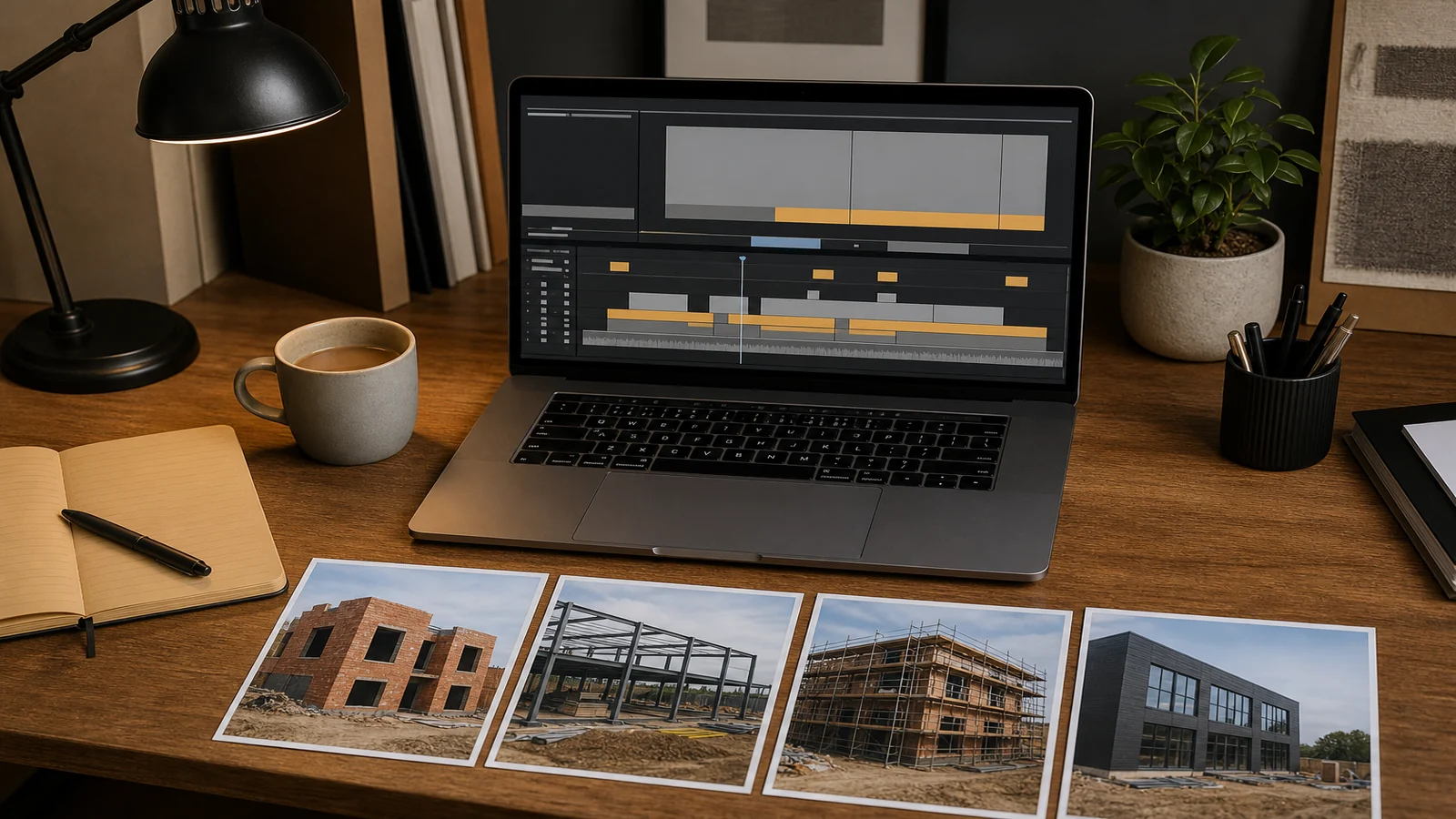
How to Turn Construction Photos into a Time Lapse Video
Copy the source set, put the frames in capture order, make the sizes and orientations match, then build a draft at a playback speed you can review. Only then export. A folder of construction photographs becomes a usable time-lapse film when the sequence is honest about gaps. It does not become a film by renaming files on top of the originals or by forcing mismatched stills through an encoder.
This workflow is for a project team that already has stills. It is not a camera-setup guide and it does not claim that any encoder, player, or codec will work on every machine. Commands below are examples.
What should I do before renaming or editing the photographs
Audit, then copy. Leave the originals where they are, with their original names and timestamps. Make a working copy on a disk that is not the only copy. If the only set lives on a camera card, that card is not a project archive.
Count the files. Note the first and last capture times, the mix of file types, and whether anyone has already edited a subset. Spot-check a handful of stills at the start, middle, and end of the programme. You are looking for rotated phones, a second camera, and accidental burst folders mixed into the progress set.
Write a one-line purpose for the film: a single elevation through a named period, for a named audience. That sentence decides what a “gap” is. A missing Sunday is normal on many sites. A missing fortnight in the middle of a façade is a source problem, not an editing problem.
Do not flatten folders until you understand them. Do not run a batch rename on the originals. Do not delete near-duplicates yet. Duplicates are easier to drop later than they are to recover from a card that has been overwritten.
How do I put images in the correct order
Order is capture time, not “the order they sit in a Downloads folder”. File managers sort by name, modified date, or a column you did not notice. Cameras and phones also disagree about clocks.
Prefer a sortable working name that encodes a sequence number after you have copied, not before. A simple pattern is a four- or five-digit index plus the original basename stored in a sidecar list. If clocks are trustworthy, you can also sort on capture time and then assign the index. If clocks are not trustworthy, sort by the site diary and by visual progress, and write down every judgement.
Zero-padded numbers matter because many tools, including FFmpeg’s image-sequence reader, look for sequential indices. The official FFmpeg documentation for image sequences describes the image2 demuxer: a sequence pattern such as img-%03d.jpeg matches img-001.jpeg, img-002.jpeg, and so on, and it expects the size, pixel format, and format of each image to be the same for all files in the sequence.
A name like Frame-1.jpg beside Frame-10.jpg will sort as 1, 10, 11, 2 in many listings. Use Frame-0001.jpg. Keep the padding width fixed for the whole job.
What if the image sizes or orientations differ
Then the set is not yet a sequence. Mixed phone stills, mixed cameras, and a few cropped publicity shots will fail at encode time or will produce a film that jumps in shape. FFmpeg’s image2 rule is blunt: the size, pixel format, and format must match across the sequence.
Pick a canvas from the majority of the progress stills, not from the prettiest one. A practical UK site set is often a landscape frame. Rotate portrait mistakes in the working copy only. Do not stretch a 4:3 still to fill 16:9 if that hides a hoist or invents sky. Letterbox or pillarbox onto the agreed canvas so the building stays true.
Reject stills that cannot be brought to the canvas without lying: extreme crops, a different lens that changes the geometry, or a frame from another elevation. Put rejects in a named folder. They are not failures if they were never part of this film’s purpose.
Colour can wait. A first draft that is geometrically stable is more useful than a graded film that still swaps aspect ratio every twelve frames.
How do I choose a useful playback speed
Choose speed from the review question, not from a cinematic habit. Construction films are usually watched by people who need to see a floor appear, not by festival juries.
- Count the usable frames after gaps are known.
- Decide how long the review cut should feel. A client review of a six-month elevation is often more useful at 20 to 45 seconds than at three minutes of near-stillness.
- Playback frames per second divided into the frame count gives duration. Example arithmetic only: 360 stills at 12 frames per second last 30 seconds. That is not a recommended “look”. It is a way to check that the draft is watchable.
- If the interval on site was irregular, a constant playback speed will still show pauses as stalls. That is honest. Do not insert made-up in-between construction to hide a missing week unless the owner has asked for a clearly labelled animation, which is a different product.
Write the chosen rate on the draft filename, such as draft-12fps. If a second audience wants a slower pass, make a second draft. Do not keep re-exporting over the only copy.
Can I make the first draft with FFmpeg
Yes, as an example workflow, if your working files are a numbered sequence of matching stills. FFmpeg is not guaranteed to accept every codec, every player, or every still format you might meet. Read the current documentation for the build you actually run.
A typical first command, after you are in the working-copy folder, looks like this:
ffmpeg -framerate 12 -i seq-%04d.jpg -c:v libx264 -pix_fmt yuv420p draft-12fps.mp4
That line is an example. -framerate 12 sets how long each still is shown. The seq-%04d.jpg pattern is the zero-padded sequence the demuxer expects. libx264 and yuv420p are common, not universal. If your files start at 0040 rather than 0001, the documentation’s start_number option is the lever to use rather than renaming originals.
If the command errors on size or format, stop. That is the source set talking. Return to the canvas step. Do not add scale filters as a way of hiding mixed stills until you have decided, in writing, what the canvas is. Filters can be appropriate later. They are a poor first response to a dirty folder.
A non-FFmpeg editor is fine if it can ingest a numbered sequence, show a timeline you can scrub, and export without overwriting the working stills. The same rules apply: copy first, match geometry, label the draft.
When should I repair the source set instead of exporting
Repair the source set when any of these are true:
- originals would have to be renamed or overwritten to make the tool happy;
- more than a handful of frames are the wrong elevation, the wrong orientation, or a different camera geometry;
- a gap is large enough that the film would imply work that did not happen;
- timestamps collide because two devices were used and nobody kept a diary;
- the encode fails on mixed sizes, and the temptation is to “just scale it”.
A finished file that hides those problems is harder to defend in a meeting than a short note that week 14 is missing. Put the note in the slate or in the covering email. Then export.
Annotated example
A six-month façade job has 412 stills on a card, plus 19 phone pictures from a visit. The team copies the card to 01-originals and does not touch it again. In 02-working they drop the phone set into _rejects-other-camera. They sort the remaining 412 by capture time, find two portrait frames, rotate those in the working copy, and letterbox three 4:3 stills onto the majority landscape canvas. They assign names seq-0001.jpg to seq-0407.jpg after removing five near-duplicates from the same minute. A site diary shows no stills for a two-week shutdown; they leave that gap in the sequence rather than duplicating the last frame. They run the example FFmpeg command at 12 frames per second, watch a 34-second draft, and only then export review-v1.mp4 beside a text note: “frames 0198–0199 jump across the shutdown; not a render error.”
That note is the point of the example. The film is reviewable because the source problems were named.
Who this article is not for
This article is not for teams that need a guaranteed codec, a particular editor, or a broadcast delivery specification. It is not a substitute for keeping originals. It is not written for inventing construction between missing weeks, or for using identifiable people in a public film without a separate privacy decision.
Stop conditions
Stop before export if originals are still the only copy, if files would be overwritten to create a sequence, if sizes and orientations still differ, if a gap would silently look like continuous work, or if the encode is being used to hide a dirty source set. Repair the stills, or hand over a labelled incomplete sequence, rather than a confident film that cannot be audited.
If you still need a camera for the next programme
If the stills workflow is in hand and the next project still needs a dedicated progress camera rather than a mixed phone folder, you can review the construction time-lapse camera product page. Use the live listing for the actual variant. This article does not specify resolution, interval, or file format for that product.